How to compare configurations within a product series
Compare the differences that affect your workflow, setup, and next decision.


Confirm your comparison boundary first
Not every product belongs in the same comparison. Cross-category or cross-series products cannot be compared as one configuration set.
The comparison process
Four steps take you from choosing a series to opening details or requesting a quote.
Choose a product series
Series are grouped by category. Single-model series show View Product instead of Compare.
What to compare in each series
Comparison fields are specific to each series. Fields below are confirmed examples; other series show their own fields only once they are confirmed.
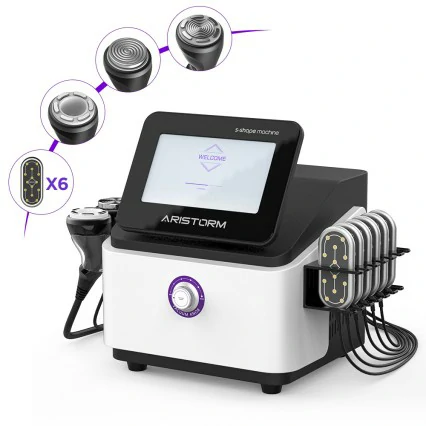
S-Shape Machine
- Function combination
- Handpiece / accessories
- Cavitation
- RF
- EMS
- Vacuum
- Workflow
Hydro Dermabrasion
- Handpiece
- Suction
- Liquid channel
- Care workflow
Skin Analyzer
- Analysis modes
- Detection items
- Report output
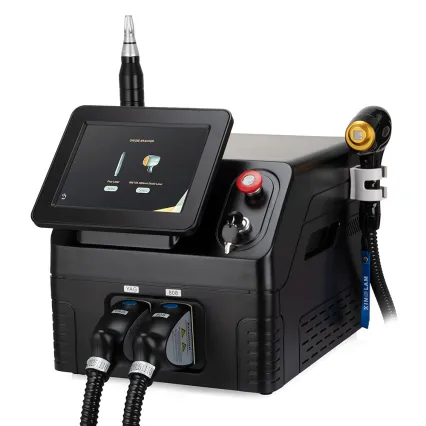
808nm Hair Removal Machine
- Wavelength
- Laser head
- Spot size
- Cooling method
Fields for other series are loaded from comparison_field_template once confirmed; a series without confirmed fields is not shown with a field guide.
Example series to compare
These examples show where to start. Only confirmed models within one series are used for comparison.

Next steps
Open model details, download product information, or request a quote with your context attached.

