What to prepare before building a professional equipment range
Use a clearer framework to plan categories, series, models, and supporting resources.


Clarify your buying goal first
Before comparing products, confirm the business conditions that shape your range. Use these questions as a planning prompt.
A framework for planning your range
Move from a core business direction to the models and documentation you can actually deliver and train on.
Choose your core categories
Start from the category that matches your service direction. Each category keeps your range-planning context.
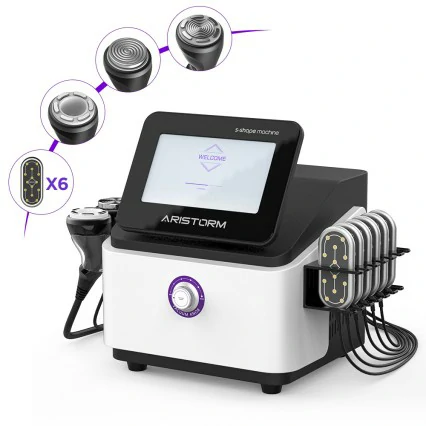
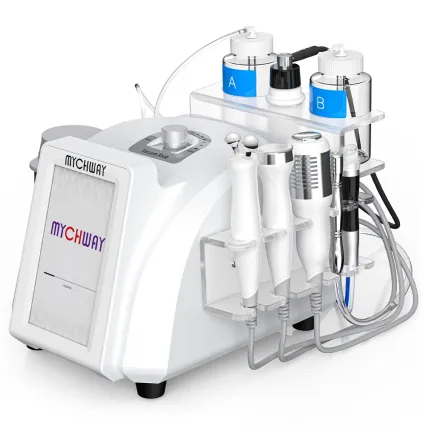
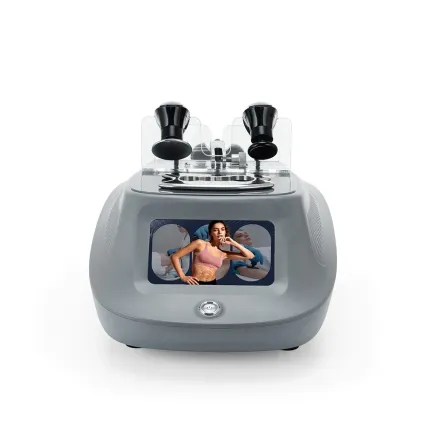
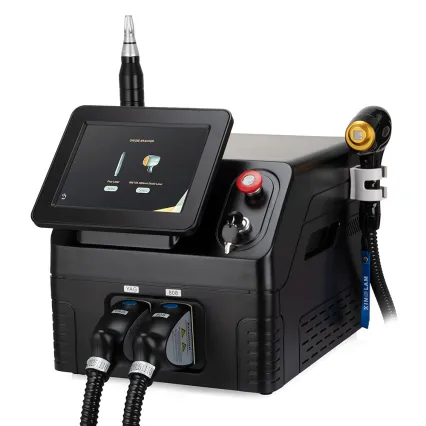
From series to models
After choosing a category, narrow into a series and its models. Model counts are confirmed; open a series to browse and compare.
Get the catalog or build your range
Two next steps: download the product catalog, or start a wholesale conversation with your range context attached.
Pre-purchase checklist
Run through these before you request a quote or start a project discussion.
- Target market is defined.
- Service direction is defined.
- Category scope is confirmed.
- Series and models need comparison.
- Catalog / operating materials are requested.
- A quote or project discussion is needed.
Where to go next
Explore categories, download the catalog, or request a quote with your range context attached.

